SSH and WP-CLI
This feature is only available for Pro and Enterprise plans.
Upgrade your account to Pro!
Upgrade your account to Pro!
SSH access is the easiest way to run WP-CLI commands against your WordPress app.
Enable SSH access
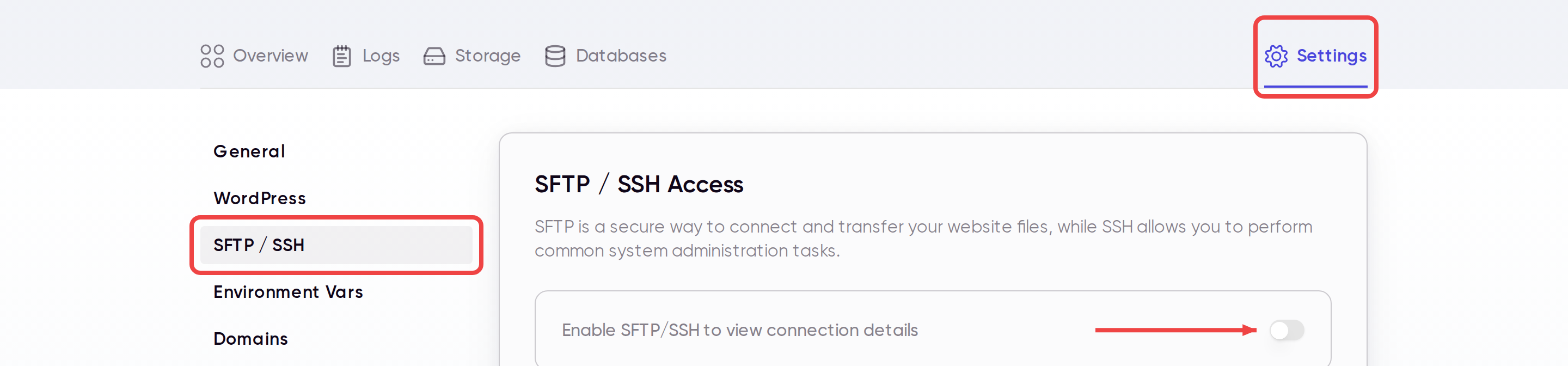
- Open your app in the Wasmer dashboard.
- Click Settings.
- Open SFTP / SSH.
- Enable SSH access.
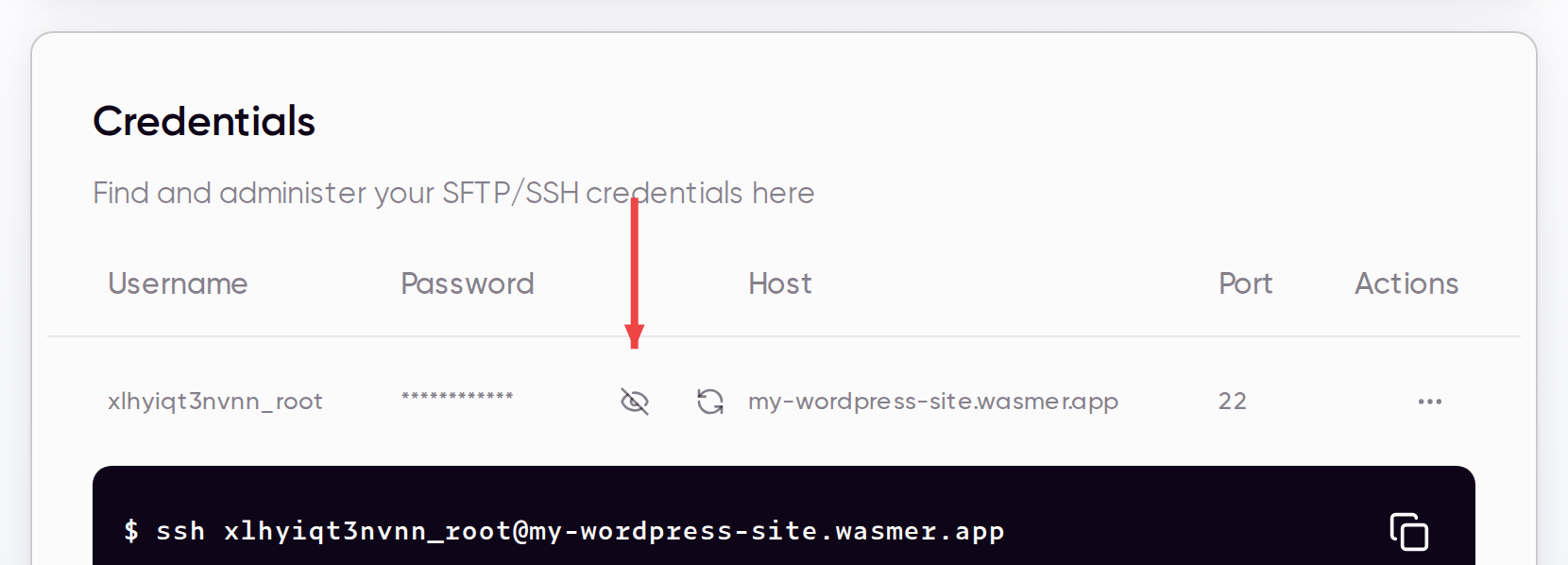
- Reveal the password or copy the generated SSH command.
Run WP-CLI commands
After connecting from your terminal or SSH client, you can run wp commands directly.
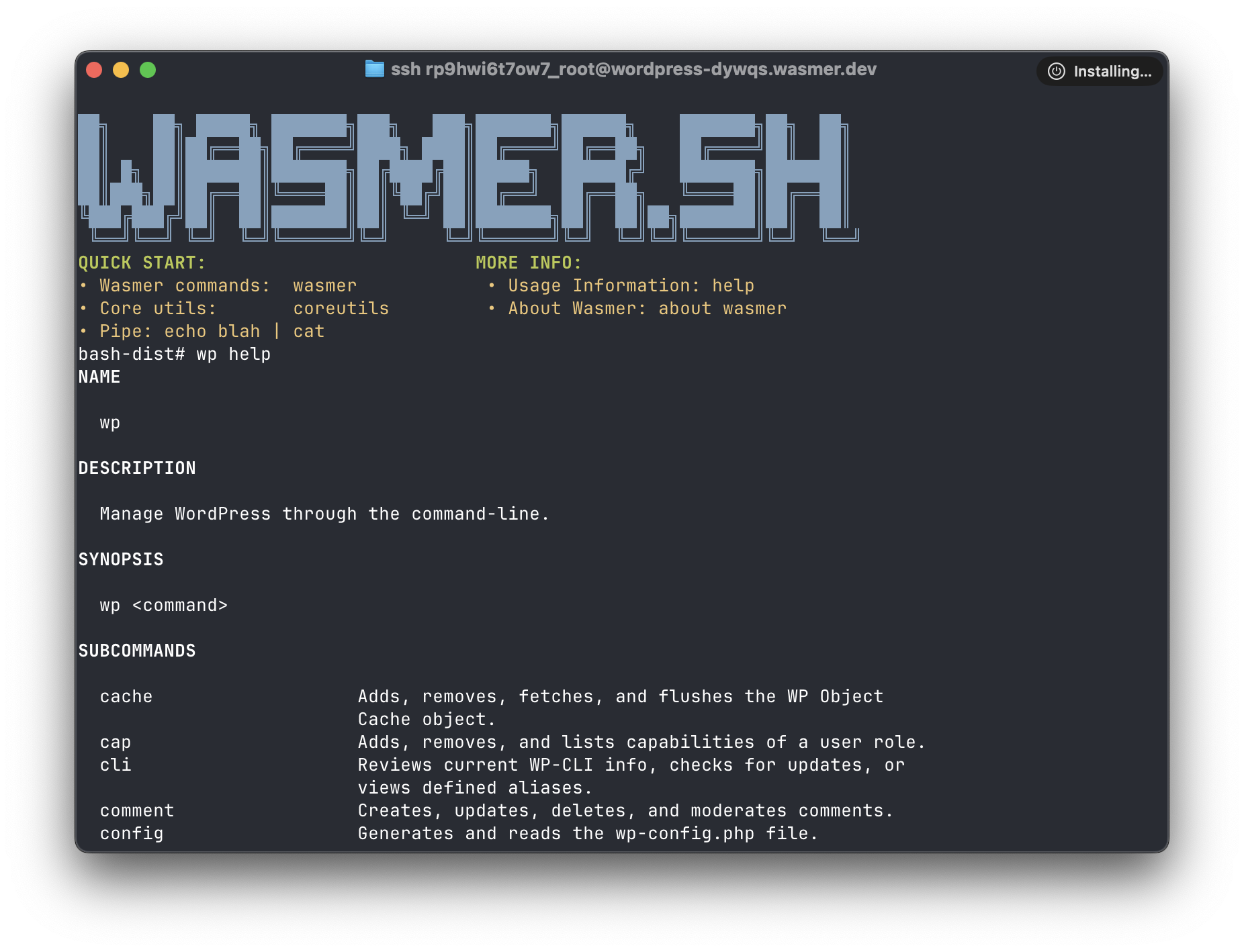
ssh <username>@<app-host>
wp core version
wp plugin list
wp theme list
wp option get home
Important behavior
Wasmer runs SSH sessions in an isolated environment that has access to your app files, volumes, and environment variables.
Only changes inside mounted volumes such as /app/wp-content persist after the SSH session ends. Avoid editing WordPress core files over SSH.
For more detail on the platform-wide SSH flow, see SSH / SFTP Configuration and Accessing your Wasmer Apps over SSH.
Last updated on