Customize WordPress settings
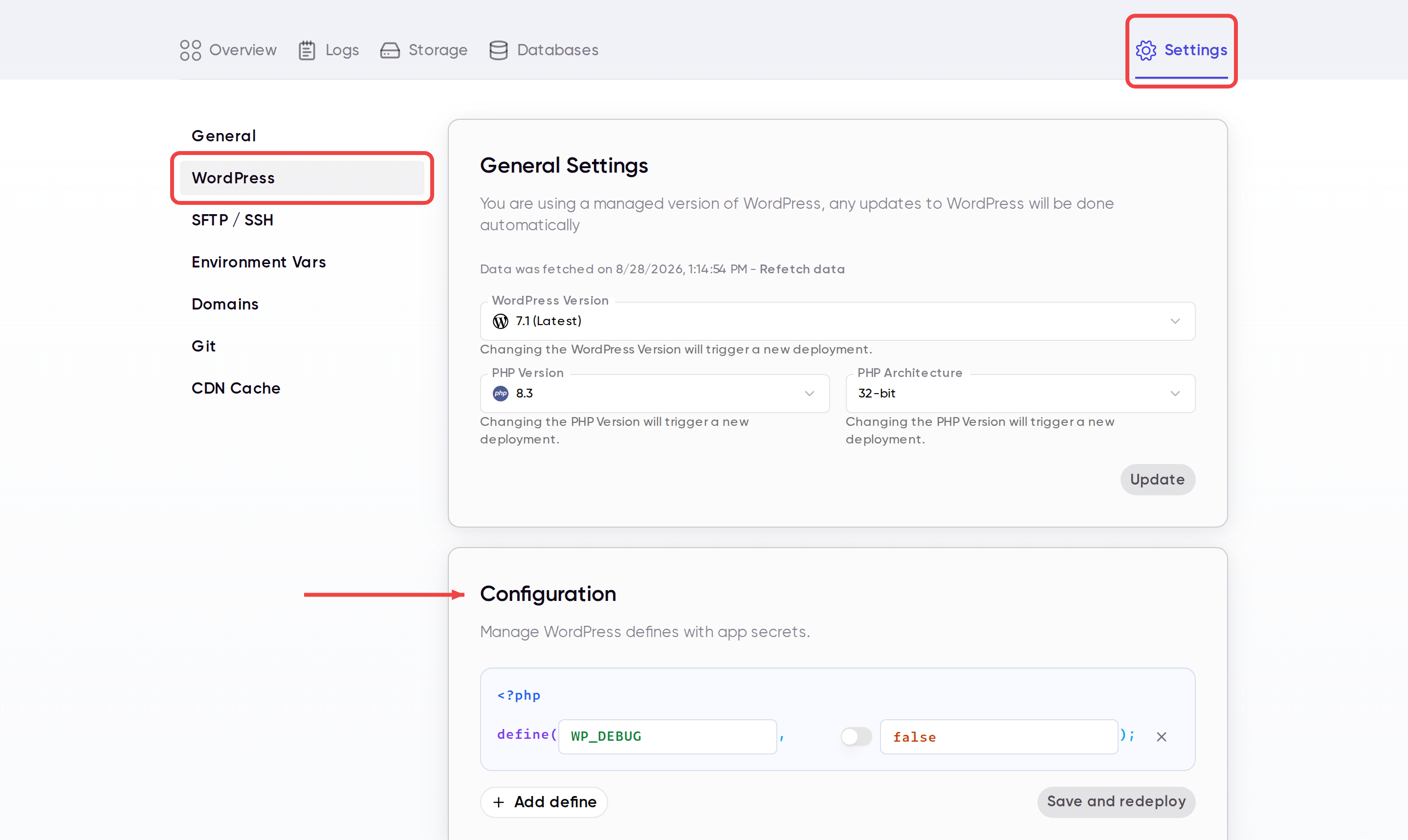
You can manage WordPress defines such as WP_DEBUG=true from the Wasmer dashboard, without editing wp-config.php manually.
Update WordPress defines
- Open your app in the Wasmer dashboard.
- Click Settings.
- Select WordPress in the sidebar.
- Scroll to Configuration.
- Add or update the define you want to change.
- Click Save and redeploy.
Common examples
WP_DEBUG = true
WP_DEBUG_LOG = true
SCRIPT_DEBUG = true
Use the toggle for boolean values like true and false, and use the text field for strings or numbers.
Configuration changes are applied during redeploy, which keeps your WordPress settings consistent across future deployments.
Last updated on